
Earn cashback when you shop In-Store
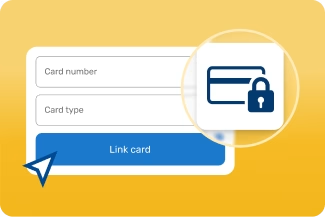
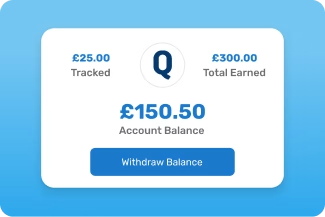
Connect your debit or credit cards to earn cashback easily at participating retailers
Shop In-Store with these brands today










In-Store Frequently asked questions
Find answers to the most common queries below
Quidco In-Store lets you earn cashback when you shop at participating retailers in their physical stores using a payment card you’ve registered to your Quidco account.
No codes or vouchers needed — just pay with your registered card.
To register a card, sign in to your Quidco account, go to In-Store, click on Register a card and use Register card to add a card.
To remove or edit a card, use Edit cards. There’s no limit to how many cards you can register.
No. Once your card is registered and active, In-Store Cashback is applied automatically when you pay with the registered card at participating retailers.
It can take up to 24 hours for your card to become active after you have registered it.
Cards can take up to 24 hours to become active after registering your card. You'll receive an email that a card has been added to your account.
Please wait until your card is active before making your first In-Store purchase so your cashback can track correctly.
Yes - your card details are completely secure.
When you register a card, we never use it for payments, and everything is stored in line with strict Payment Card Industry (PCI) data standards.
If you’d like to know more about how we protect your information, you can find all the details in our Privacy Notice available in the footer at the bottom of this page.
No, you cannot earn cashback when you pay with Apple Pay, Google Pay or Samsung Pay. Please make sure you pay using the physical card you’ve added to your Quidco In-Store account.
What is Quidco In-Store?
How do I register or remove cards?
Do I need to activate offers before shopping?
When does my card become active after registration?
Will my card details be safe?
Can I use Apple Pay, Google Pay or Samsung Pay to earn In-Store?
Cashback missing? Our team can help
Send us a message to raise a quick claim and we’ll sort the rest

